General T03 Information
This board uses miniature RC cars for various competitive and strategic games.
Game options are listed in the menu, click on the game to jump to details.
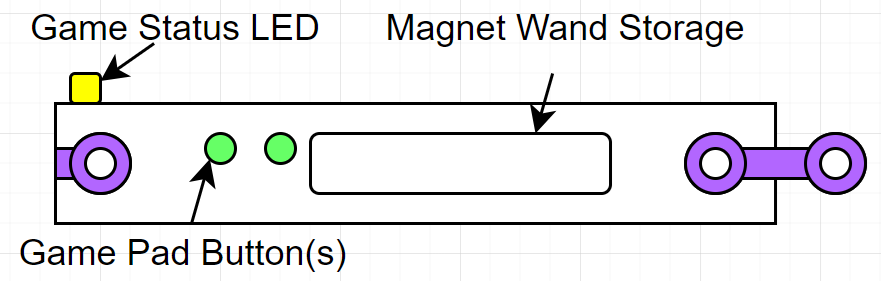
- The RC cars have limited battery life. Please return them to their charging stations when finished.
| Charging Station |
|
|---|---|
| RC Car |

|
- Enjoy the games!
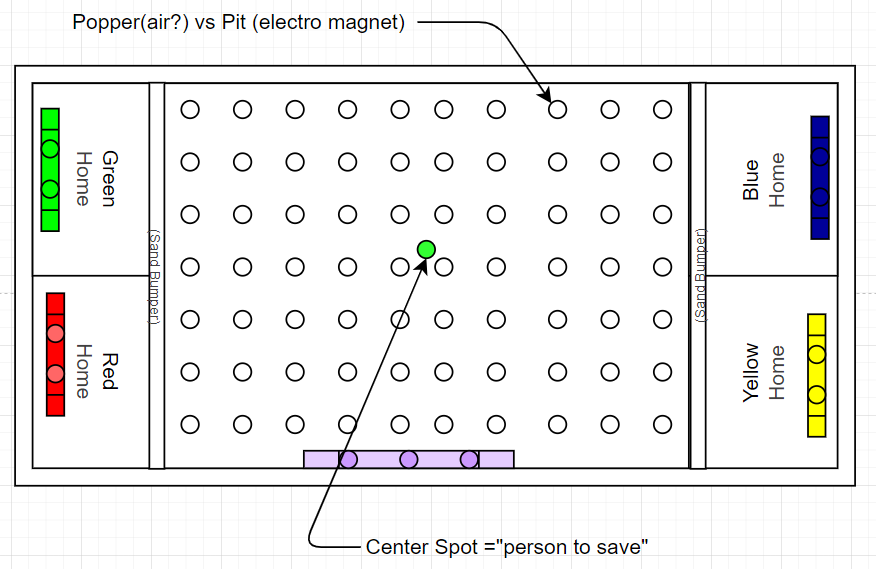
t0301a - Race Track
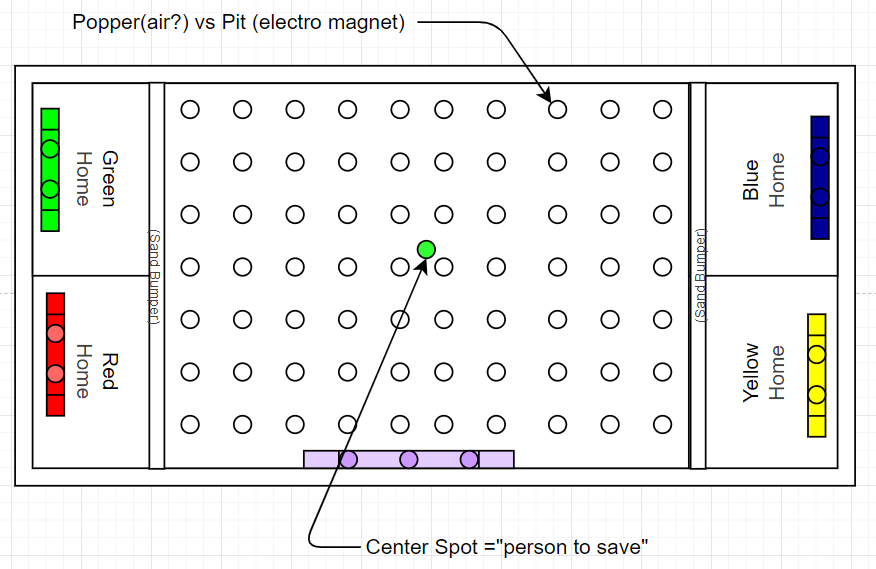
Game Description
Race around a circuit track from the start/finish line, completing laps to win.
- Age: 8+
- Time: 5-20 minutes
- Players: 1-4
- Difficulty: Adjustable (Easy, Medium, Hard)
Game Rules
Players race their RC cars around the track, aiming to complete the set number of laps first.
- Each player selects a colored RC car.
- No intentional collisions; stay on the track.
- The first to complete the required laps wins.
Game Setup
Clear all RC cars from the track and place them at the start line. Select “Start Game” to initialize the track.
| Item | Quantity | Notes |
|---|---|---|
| RC Cars | 4 | Charged, color-coded |
| Track | 1 | Main play area |
Game Play
- Control your RC car to navigate the track.
- Complete the required number of laps to win.
- Avoid collisions and stay on the track.
t0302a - Capture Flag
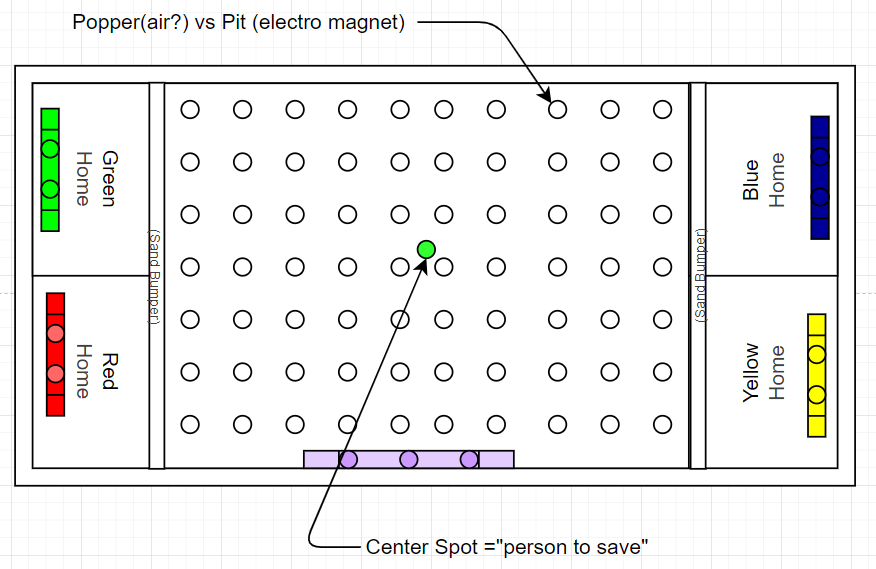
Game Description
Capture the opponent’s flag and return it to your base while defending your own flag.
- Age: 8+
- Time: 10-15 minutes
- Players: 2-4 (PvP or Teams)
- Optional: AI opponent
Game Rules
Players use RC cars to grab the opponent’s flag and return it to their base.
- Each player or team selects a colored RC car and flag.
- Successfully capturing and returning the opponent’s flag scores a point.
- First to reach the set score wins.
Game Setup
Place flags in each team’s base. Position RC cars in their respective bases. Select “Start Game” to begin.
| Step | Task | Tool | Notes |
|---|---|---|---|
| 1 | Place flags in bases | Manual | Ensure flags are secure |
| 2 | Position RC cars in bases | Manual | Check battery levels |
| 3 | Select PvP or AI mode | Control panel | Press start when LED is green |
Game Play
- Drive your RC car to the opponent’s base to capture their flag.
- Return the flag to your base to score.
- Defend your flag from opponents.
t0303a - Last Car Alive
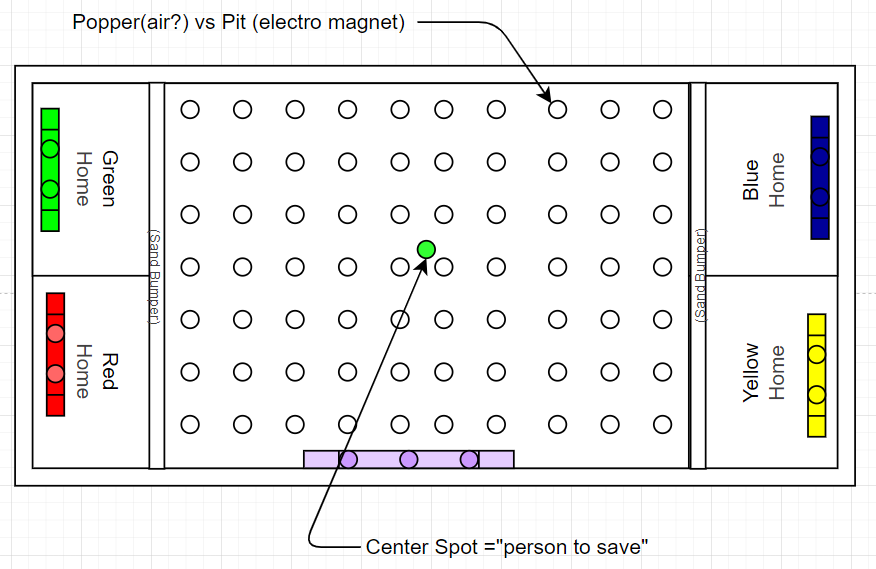
Game Description
A battle royale where players ram and bump opponents’ RC cars. The last car still moving wins.
- Age: 8+
- Time: 5-10 minutes
- Players: 2-4
Game Rules
Players aim to disable opponents’ RC cars through collisions.
- Each player selects a colored RC car.
- A car that stops moving is out.
- The last car still operational wins.
Game Setup
Place all RC cars in the arena. Select “Start Game” to activate the cars.
| Step | Task | Tool | Notes |
|---|---|---|---|
| 1 | Position RC cars in arena | Manual | Ensure even spacing |
| 2 | Check car functionality | Remote control | Verify battery levels |
| 3 | Start game | Control panel | Press start when LED is green |
Game Play
- Drive your RC car to bump and disable opponents’ cars.
- Avoid being pinned or immobilized.
- Last car moving wins.
t0304a - Bump To Win

Game Description
Score points by driving your RC car to touch lit pads on the board. Collect enough points to win.
- Age: 8+
- Time: 5-15 minutes
- Players: 2-4
Game Rules
Players score by touching illuminated pads with their RC cars.
- Each player selects a colored RC car.
- Pads light up randomly; touching a lit pad scores a point.
- First to reach the set score wins.
Game Setup
Place RC cars in the arena. Select “Start Game” to activate the pads.
| Step | Task | Tool | Notes |
|---|---|---|---|
| 1 | Position RC cars in arena | Manual | Ensure even spacing |
| 2 | Check car functionality | Remote control | Verify battery levels |
| 3 | Start game | Control panel | Press start when LED is green |
Game Play
- Drive your RC car to touch lit pads to score points.
- Compete to reach the target score first.
- Avoid collisions that may disrupt your control.